featured · github
Homebrew: Your Mac's Swiss Army Knife for Software
Homebrew simplifies installing and updating software on macOS, replacing manual downloads with a command-line tool.
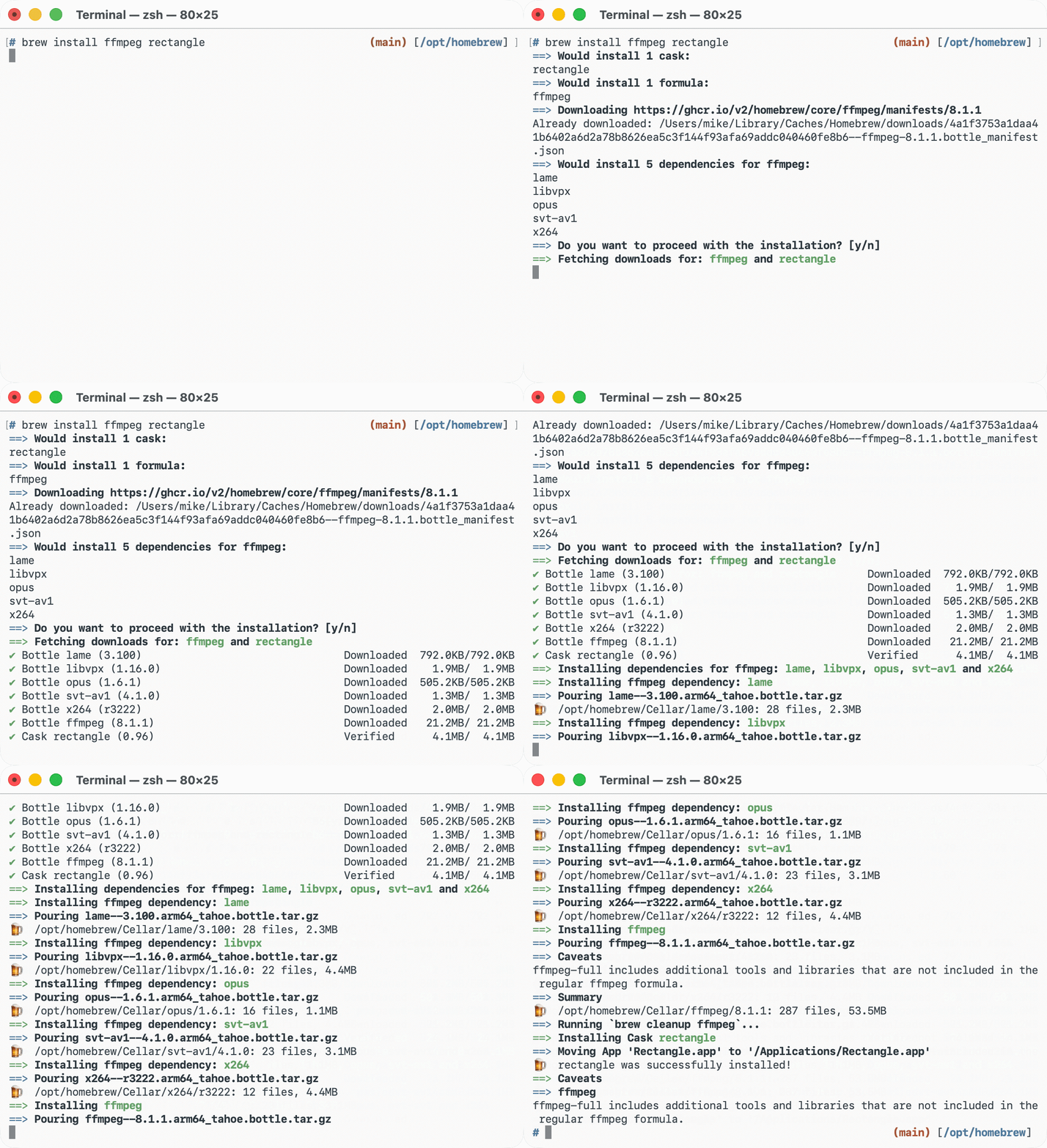
Homebrew/brew ↗Imagine needing a specific program for a project, but the installation process involves searching multiple websites, downloading files, and hoping everything works together. Homebrew eliminates that headache. It's a package manager, similar to what Linux users have, allowing you to install software using simple commands. You point it at what you need and it handles dependencies, those other bits of software a program requires to function, automatically. This means fewer errors, faster setup and a more organized system. Homebrew is vital for developers and anyone who regularly installs command-line tools, but can be useful for power users as well. Don't expect hand-holding; the documentation is sparse and assumes some comfort with the command line, which can be frustrating for beginners. It's free and community-supported, so donations are appreciated, they pay for the servers that keep it running. You probably already have several gigabytes of unused software languishing on your drive, and Homebrew helps you avoid more.
Share kit
Simplify macOS Software Management with Homebrew
Homebrew automates software installation and updates, especially for command-line tools. It's a crucial time-saver for developers, but the learning curve can be steep. Find out if it's worth the effort to tame your macOS software sprawl.
Homebrew: macOS package management. Installs software, handles dependencies. Sparse docs demand patience, but saves serious time for devs. #macOS #development #automation
Homebrew is an essential tool for macOS developers managing software dependencies. While setup requires some technical aptitude, the efficiency gains make it a worthwhile investment. Learn more about its functionality and contribution model. #macOS #devops #automation #opensource
Homebrew: it’s a package manager, like apt on Linux or pip for Python, but for macOS. It lets you install software and dependencies from the command line instead of hunting around for .dmg files. The documentation is terse, to put it kindly, so run `brew update` and `brew doctor` before you ask for help. If you're a developer tired of manual installations, this will save you time. If you only use apps from the Mac App Store, you probably won't need it. The project relies on donations to cover infrastructure costs. #macOS #development #homebrew